

Music AI Generator

To Be Yours
Describe the music you hear in your head, or paste your own lyrics. Music AI Generator turns it into two versions of a finished track you can play, compare and keep in your Library.

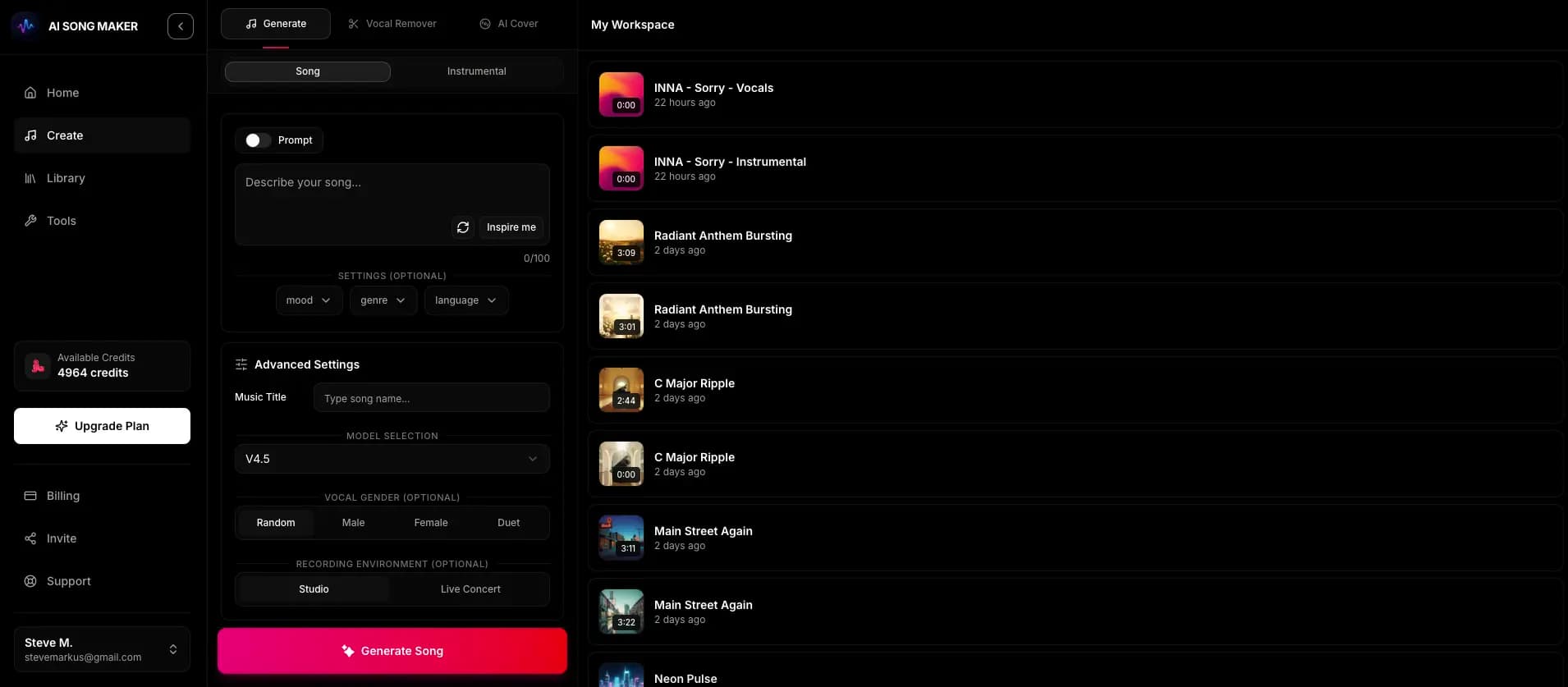
There are two ways into a track. Pick the one that matches what you already have: a feeling, a genre and a place the music will be used, or words you have already written.
Name a genre, a mood, the instruments and where the music will play: “warm acoustic folk, finger-picked guitar, soft brushes, for a travel vlog.” The arrangement is built from that description.
Paste up to 5,000 characters of lyrics, mark the [Verse], [Chorus] and [Bridge], and choose a style and voice. The melody and production are generated around your words.
Turn vocals off when the music has to sit under a voice-over, a game loop or a study session. The same prompt then returns an instrumental track.
Tempo words, era references and instrument lists change results far more than adjectives like “epic”. Name what you would hear, not how you want it to feel to a stranger.
Start with a promptShort lines, a repeated chorus and clear section tags help the vocal land where you expect. If a word comes out oddly, spell it the way it sounds and create again.
Bring your lyricsSigned-in users can draft verses and hooks with the AI lyrics generator without spending credits, edit them, then use them in a new song.
Draft lyricsOur AI song generator creates music with authentic vocals in any language — natural pronunciation, expressive dynamics, and culturally aware melodies.

Generated with musicaigenerator.com

Generated with musicaigenerator.com

Generated with musicaigenerator.com

Generated with musicaigenerator.com
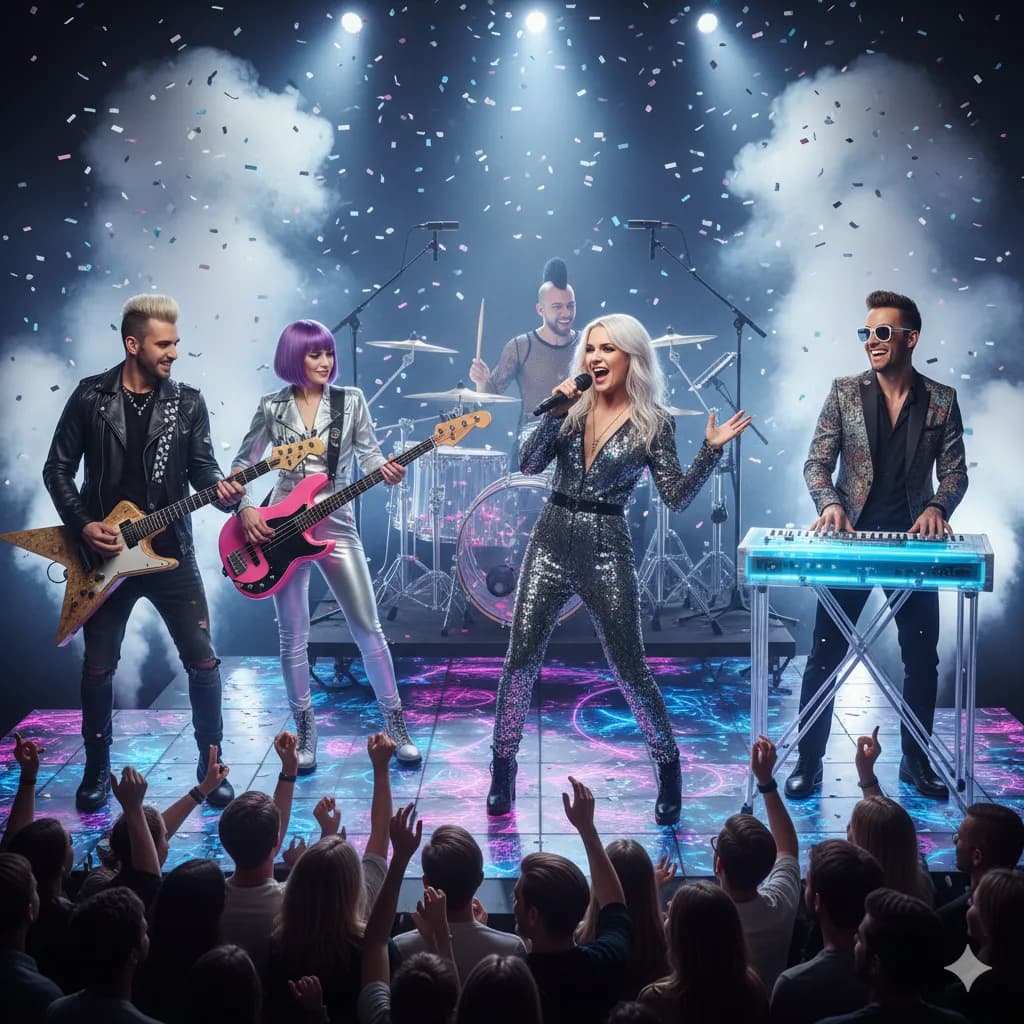
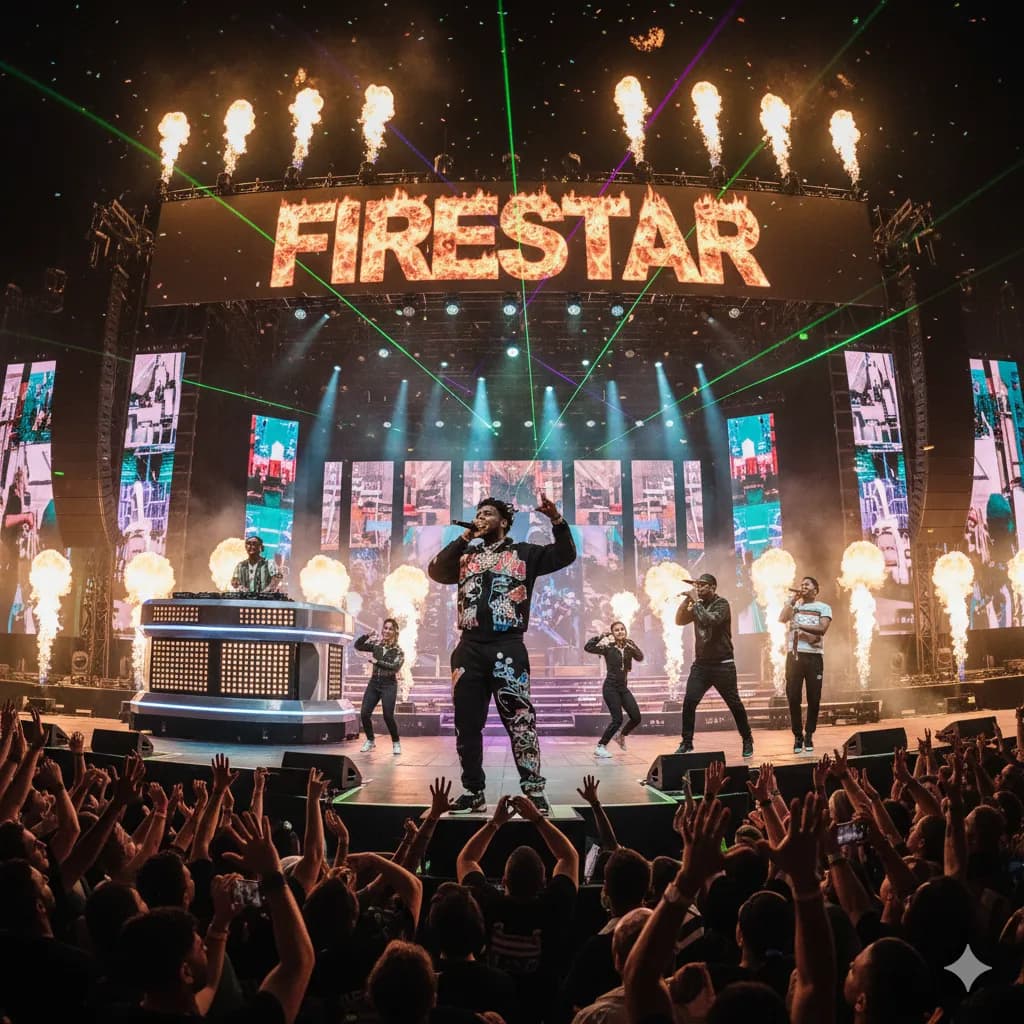
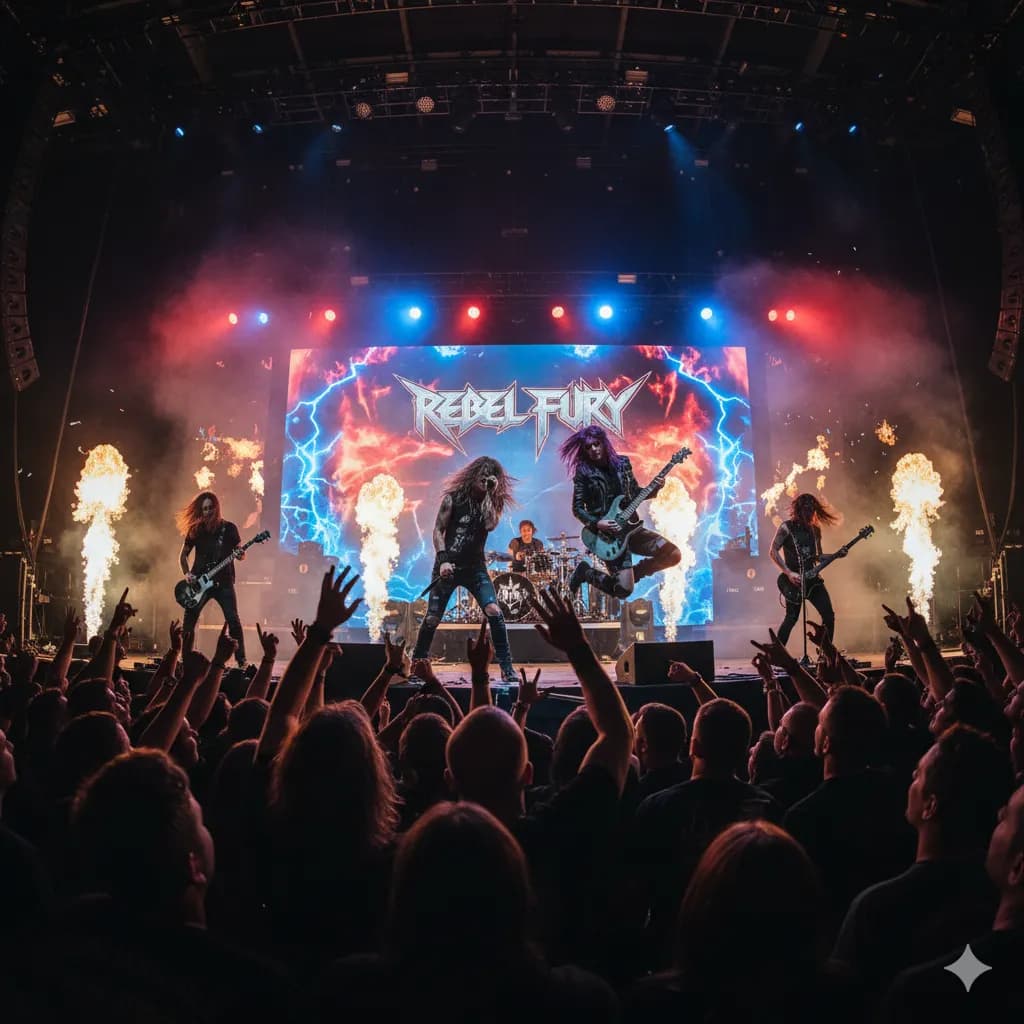
From lo-fi chill to orchestral epics — our AI song maker covers every genre and mood with authentic instrumentation and production.
Generated with musicaigenerator.com
Generated with musicaigenerator.com
Generated with musicaigenerator.com

Generated with musicaigenerator.com
Generate songs featuring any instrument — from acoustic guitar to full orchestra. Our AI song generator handles every arrangement.

Generated with musicaigenerator.com

Generated with musicaigenerator.com

Generated with musicaigenerator.com

Generated with musicaigenerator.com
Every tool uses the same workspace and credits. Each page explains what the tool is good at, how to prompt it and where its limits are.
Write a sentence or two about the sound you want, and Music AI Generator turns that text into music. Each creation gives you two versions to compare, with or without vocals.
Explore Text to Music →
Already have lyrics? Paste them in, pick a genre, mood and vocal preference, and the AI turns your lyrics into a song with a melody, a sung vocal and a full arrangement. Each creation gives you two takes to compare.
Explore Lyrics to Song →Describe a mood and a set of instruments, switch vocals off, and get two new instrumental tracks to choose from. Built for creators who need music that stays out of the way of words.
Explore AI Instrumental Generator →Skip the drum pads. Tell the AI the style, tempo feel, drums and samples you hear in your head, switch vocals off, and get two finished beats back to pick from.
Explore AI Beat Maker →Upload Track A and Track B, add optional style guidance, and the AI remix tool combines them into a new track. It is a Pro-plan tool for audio you have the rights to use, and each remix costs 2 credits.
Explore AI Music Remixer →Upload a track or pick one of your songs, choose the second where the AI should pick up, and optionally steer the style. The music extender AI writes a continuation that follows on from your audio. Available on Pro and Studio, 2 credits per extension.
Explore AI Music Extender →More tools:AI Lyrics GeneratorLo-fi Music GeneratorEDM Music GeneratorBackground Music Generator
The workspace keeps the choices that matter close at hand and saves every result, so you can compare takes and build on the ones that work.
Each creation returns two different takes of the same idea. Keep the stronger one, or use the pair to hear which part of your prompt is doing the work.
Hip-hop, pop, rock, EDM, R&B, folk, jazz, cinematic, lo-fi and more. Blending references, such as “90s boom bap with jazz piano”, often gives the most distinctive results.
Choose a vocal track with a male or female voice preference, or switch vocals off for music that sits under speech and visuals.
Finished tracks land in your Library with the prompt that made them, so you can replay, compare and return to an idea later. Paid plans can download the audio.
On Pro and Studio plans you can continue a track from any second, blend two tracks into a remix, or re-render a track in a new style.
A creation costs 2 credits. New accounts start with free starter credits, and paid plans add a weekly, monthly or yearly allowance.
A few starting points. Copy a prompt, change the details that matter to you, and every creation returns two versions to compare.
“Dusty lo-fi hip-hop, mellow Rhodes chords, soft vinyl crackle, slow laid-back drums, rainy late-night study mood”
More like this →“Dark trap beat, sliding 808s, fast hi-hat rolls, eerie bell melody, sparse and heavy, around 140 BPM feel”
More like this →“Euphoric progressive house, bright plucks, rolling bassline, long build into a wide festival drop”
More like this →“Light corporate acoustic background music, clean guitar, soft claps, steady and upbeat, leaves room for voice-over”
More like this →“Warm indie folk song about leaving home, finger-picked guitar, gentle harmonies, female vocal, hopeful chorus”
More like this →“[Verse] City lights are fading slow… [Chorus] We keep on running home — paste your own lyrics and pick a style”
More like this →Want more? Browse the AI music prompt library.
Most tracks take around a minute or two to generate. Here is the whole path, from a blank prompt to audio you can use.
Write a prompt with genre, mood, instruments and use case, or switch to lyrics and paste your own. Turn vocals off if you need an instrumental.
You get two versions of the same brief. Play both, note what works, then change one detail at a time (tempo, an instrument, the energy) to steer the next attempt.
Tracks stay in your Library. Paid plans can download audio, and Pro and Studio plans add tools to extend or remix a track and to generate a usage license.
Describe a track or paste lyrics, pick a genre and mood, and create. Sign in to use your free starter credits; results arrive in about a minute or two.
You're using the free playground. Upgrade to access premium models, Pro creation tools, commercial licensing, and more.
Unlock premium models, Pro creation tools, and commercial licensing in the full Music AI Generator workspace.
Go to Song StudioPro and Studio subscribers can generate a song-specific Content Usage License from the Library for eligible commercial projects, subject to its terms and any third-party rights. Starter, Basic and free-credit use do not include this license.
Each license is generated from a track in your Library and names the project and content type it covers, from a YouTube series to a podcast or an ad.
The license grants usage rights, not exclusive ownership. It does not expire while you follow its terms, and similar music may be generated for other people.
Download the license as a PDF with the track, your details and a license ID, and keep it with your project files.
It doesn't cover audio you uploaded without the rights to it, third-party claims or platform rules. Read the terms before a release.
Pro or Studio plan required · One license per track and project · Read the terms first
1. Grant of License. Non-exclusive, worldwide, perpetual license to use the musical work...
2. Permitted Uses. Monetize on YouTube, TikTok, Spotify, and more...
3. Restrictions. No reselling or sublicensing as standalone audio...
Prices below come straight from the checkout catalog. Taxes may be added at checkout, paid plans can be cancelled anytime, and purchases are covered by a 14-day money-back guarantee. See how plans and credits work.
Each creation returns two versions of your track. Extending or remixing on Pro and Studio also costs 2 credits per run; the lyrics generator uses none.
New accounts get free starter credits (the amount can vary by country) to try a first creation. No card is needed to sign up.
Paid plans add a credit allowance, downloads and the V6 Pro and V6 Studio model options. Pro and Studio add extend, remix and commercial usage licenses.
Each creation costs 2 credits and returns two versions. Choose weekly, monthly or yearly billing; Pro and Studio add the Pro tools and commercial usage licenses.
An AI music generator creates new audio from a written description or from lyrics. With Music AI Generator you describe the genre, mood and instruments, or paste lyrics, and it returns two versions of a finished track.
You can try it for free. New accounts receive free starter credits after signing up (the amount can vary by country), enough for a first creation. Downloads, the V6 Pro and V6 Studio model options and a regular credit allowance come with a paid plan.
Each creation costs 2 credits and returns two versions. Pro tools such as extending or remixing also cost 2 credits per run. The AI lyrics generator doesn't use credits.
Yes. Switch to lyrics, paste up to 5,000 characters and choose a style. Section tags such as [Verse] and [Chorus] help structure the song.
Yes. Turn vocals off to generate music without singing, which is useful for videos, podcasts, games and study playlists.
Pro and Studio subscribers can generate a song-specific, non-exclusive Content Usage License for eligible commercial projects, subject to its terms and any third-party rights. Starter, Basic and free-credit use do not include that license.
Usually around a minute or two, depending on demand. Tracks appear in your Library as soon as they finish.
You can create new versions with an adjusted prompt at any time. On Pro and Studio plans you can also continue a track from a chosen second, blend two tracks into a remix or re-render a track in a new style. There is no multitrack editor, MIDI or stem export.
Your tracks stay private in your Library unless you choose to publish one to Explore. The Privacy Policy explains how your data is handled.
Start with the free credits you get at sign-up. Write a prompt, paste lyrics or go instrumental, and listen to what comes back.
2 free credits · No credit card required