
YouTube and social video
Match the pacing of your edit: bright and bouncy for a vlog, patient and atmospheric for a documentary-style piece.
Describe your content and the feeling it needs, and get two instrumental options designed to sit behind speech and visuals. Pro and Studio plans add a Content Usage License for commercial projects.
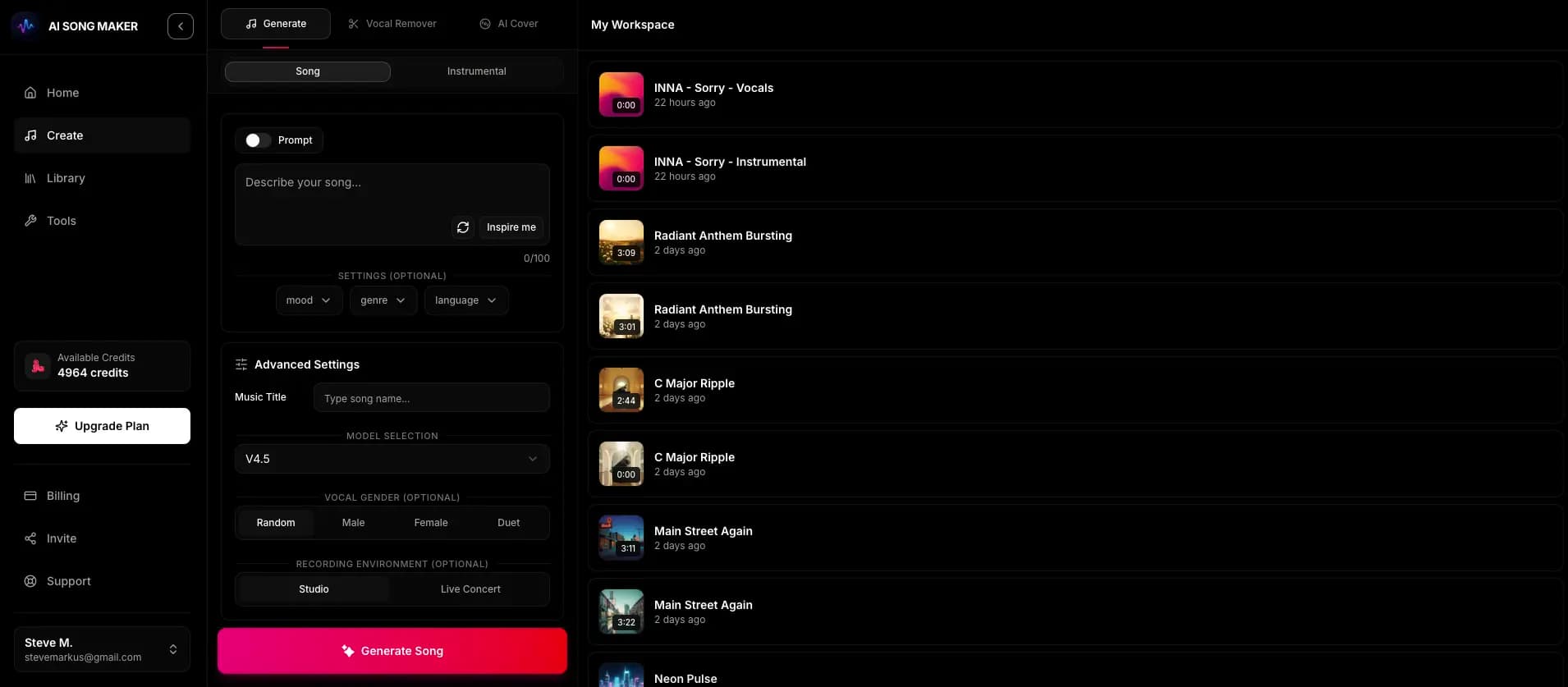
Create an account with email or Google, then open the creator.
Say what the music is for, the feeling it should support, and a few instruments.
Turn on the instrumental switch so nothing competes with your voice-over or dialogue.
Each creation uses 2 credits and returns two versions, usually in a minute or two.
On a paid plan, download the version you prefer. For commercial projects on Pro or Studio, generate the Content Usage License from your Library.
Match the pacing of your edit: bright and bouncy for a vlog, patient and atmospheric for a documentary-style piece.
Generate a subtle bed for segments and a separate, more distinctive track for the intro and outro.
Calm, neutral music for title slides, waiting rooms and demo recordings where attention should stay on the speaker.
Short, confident tracks that support a message without fighting it. Commercial use needs a Pro or Studio license.
Menu themes, ambient level music and loop-friendly beds that won't wear on players over repeated listening.
Good background music is felt more than heard. These choices make it much easier to fit under narration.
There's no blanket permission attached to every track. Instead, Pro and Studio subscribers can generate a song-specific, non-exclusive Content Usage License from the Library for eligible commercial projects, subject to its terms and any third-party rights.
Use these with the instrumental switch on. Each one favors space and steady energy.
Soft lo-fi electronic bed with light plucked synths, gentle kick and airy pads, calm and focused, steady energy with no drops, to sit under a software tutorial voice-over.
Minimal warm instrumental with muted electric piano, soft upright bass and brushed percussion, relaxed and conversational, very sparse, for underneath a two-person interview.
Inspiring corporate ambient piece with slow piano motif, swelling string pads and subtle pulse, optimistic and professional, gentle build without a big climax.
Upbeat indie pop instrumental with clean electric guitar, hand claps and tight drums, energetic and friendly, clear rhythmic pulse that leaves room for a narrator.
Gentle fantasy instrumental with harp arpeggios, soft flute melody and warm strings, peaceful and slightly magical, loop-friendly with no sudden changes.
No vocals, a sparse arrangement, simple melodies and steady energy. Describe those qualities in your prompt, mention that it will sit under narration, and turn on the instrumental switch.
We don't call it that. Commercial use works through a Content Usage License: Pro and Studio subscribers can generate a song-specific, non-exclusive license from the Library for eligible projects, subject to its terms and any third-party rights. Read the Music Usage & Licensing page before publishing.
Monetized videos count as commercial use, so you need a Pro or Studio plan and a Content Usage License for that track. Starter, Basic and free-credit use don't include the license. We can't guarantee how Content ID will treat a track.
Each creation costs 2 credits and returns two versions. New accounts get 2 free starter credits (fewer in some countries). Paid plans add weekly or monthly credits, and extra credit packs are available with an active plan.
No. Length varies per generation. Most editors make it easy to trim, fade or loop a section to fit. Pro and Studio plans also include Extend Audio if you need a track to continue from a chosen point.
Free accounts can listen in the app. Downloading audio requires a paid plan.
Describe the scene, keep it instrumental, and choose between two background tracks.
Start Creating